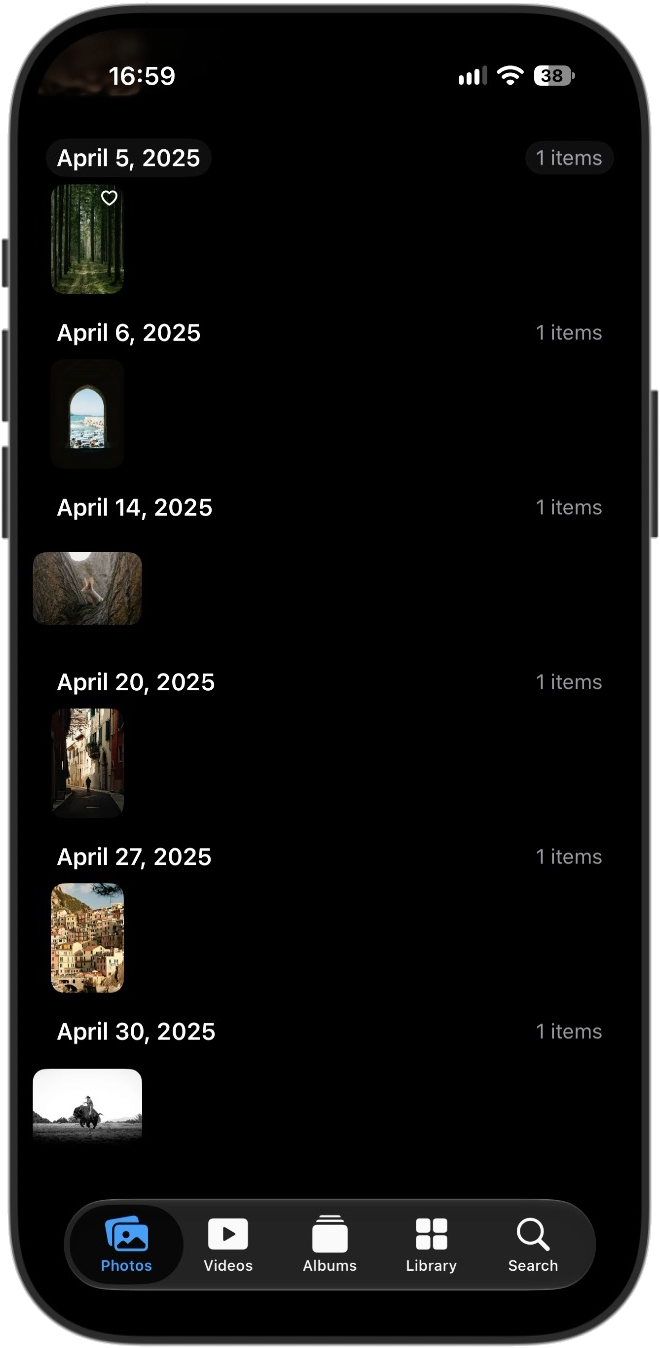
Photos
Browse your library by capture date and pinch to change the thumbnail layout.
Browse, search, and revisit your photos and videos on iPhone and iPad. Remmich connects to your own Immich server and keeps your library read-only.
Requires iOS or iPadOS 26.6 or later
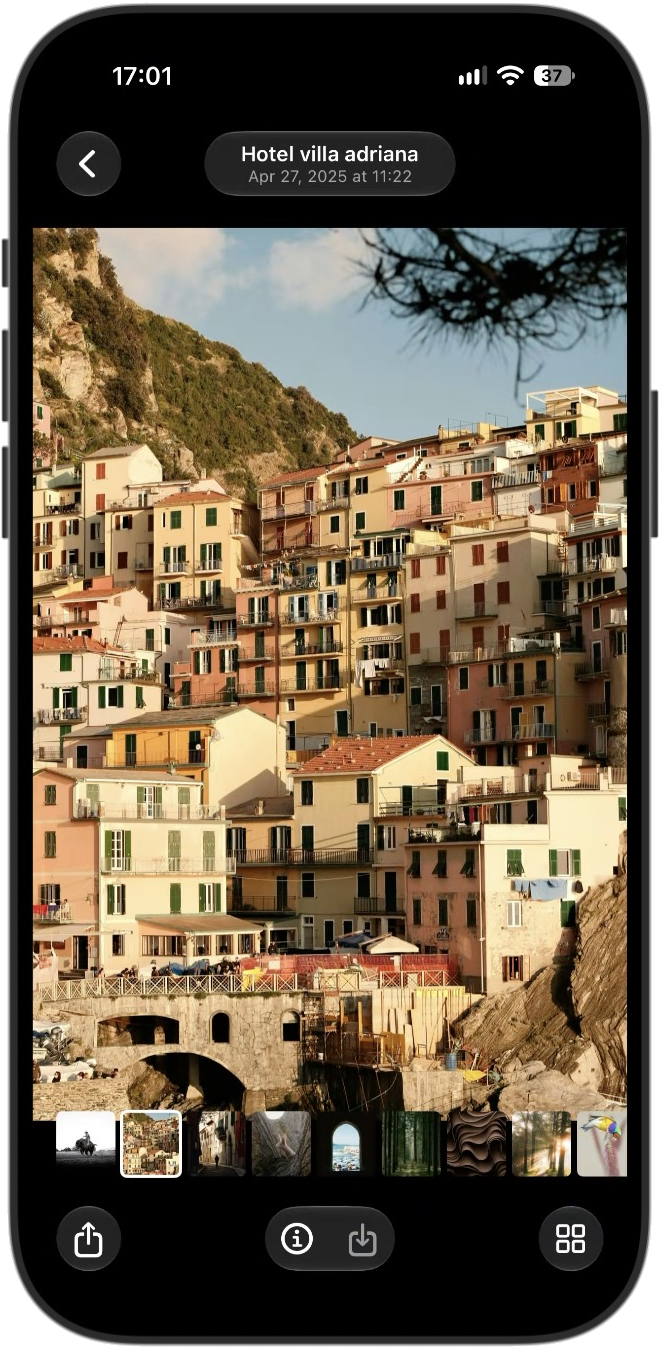
Browse your library by capture date and pinch to change the thumbnail layout.
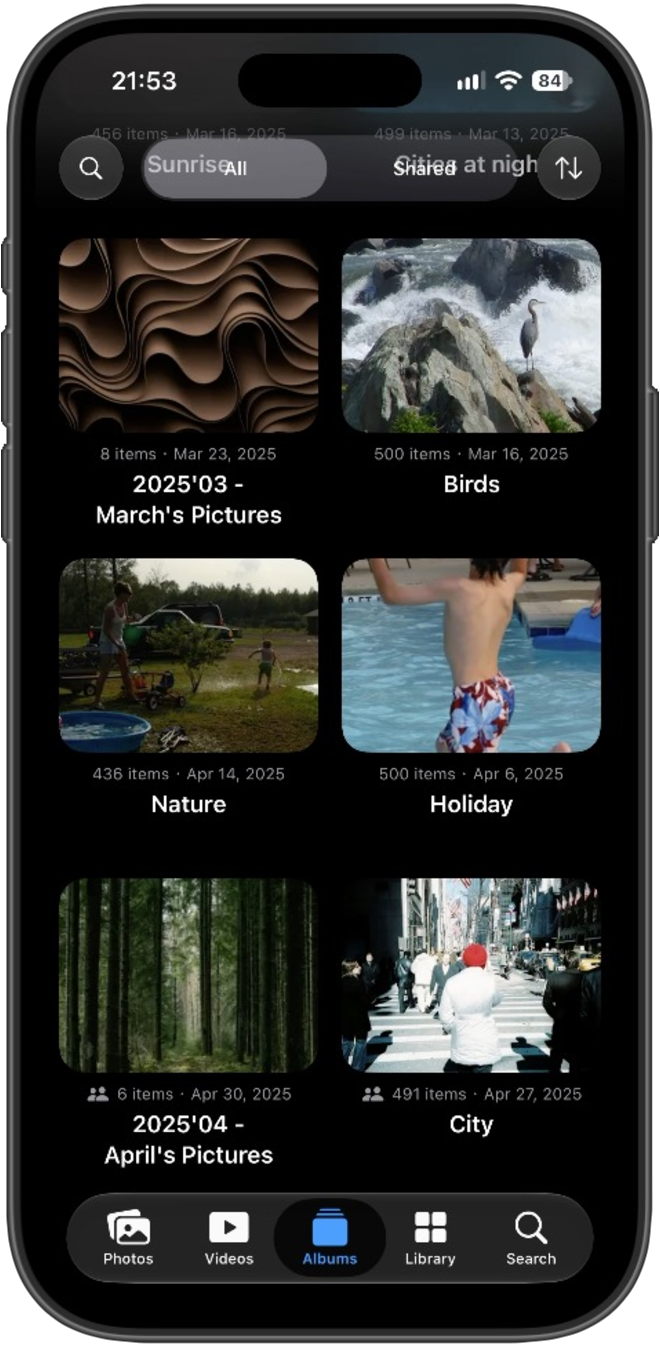
Browse your own and shared albums, then return to the album you were viewing.
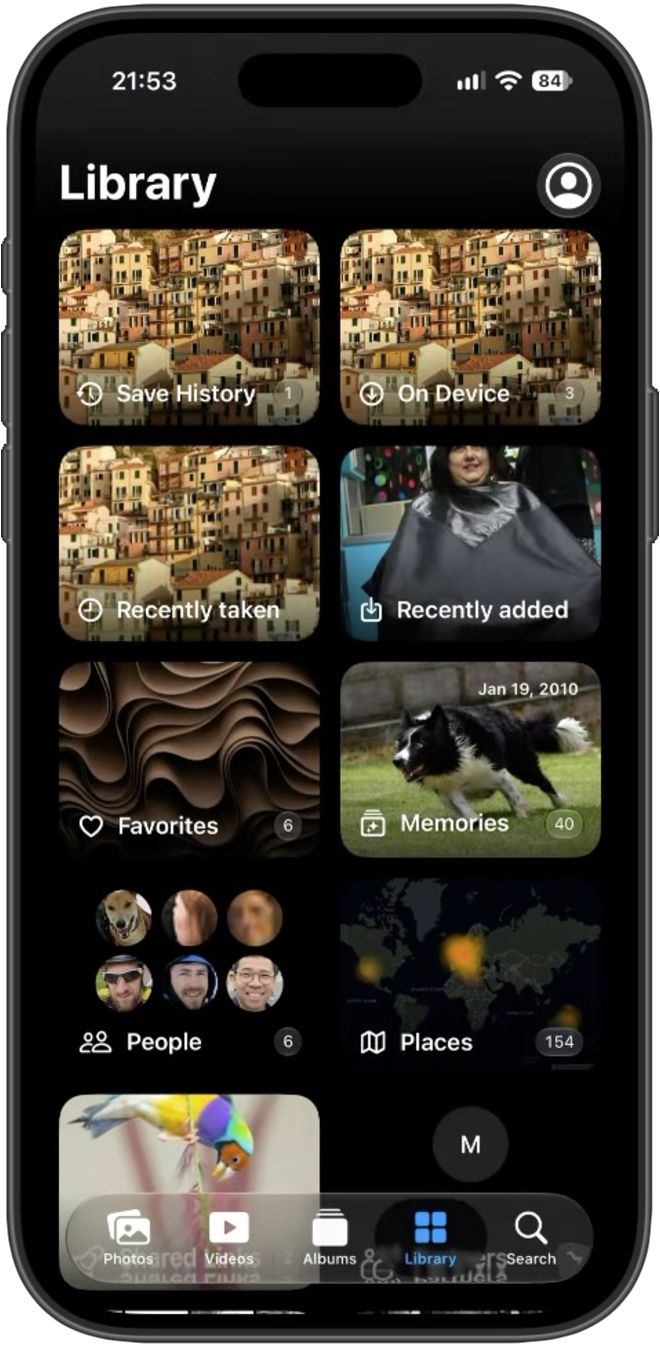
Revisit Memories and favorites. Browse indexed collections and cached thumbnails offline.
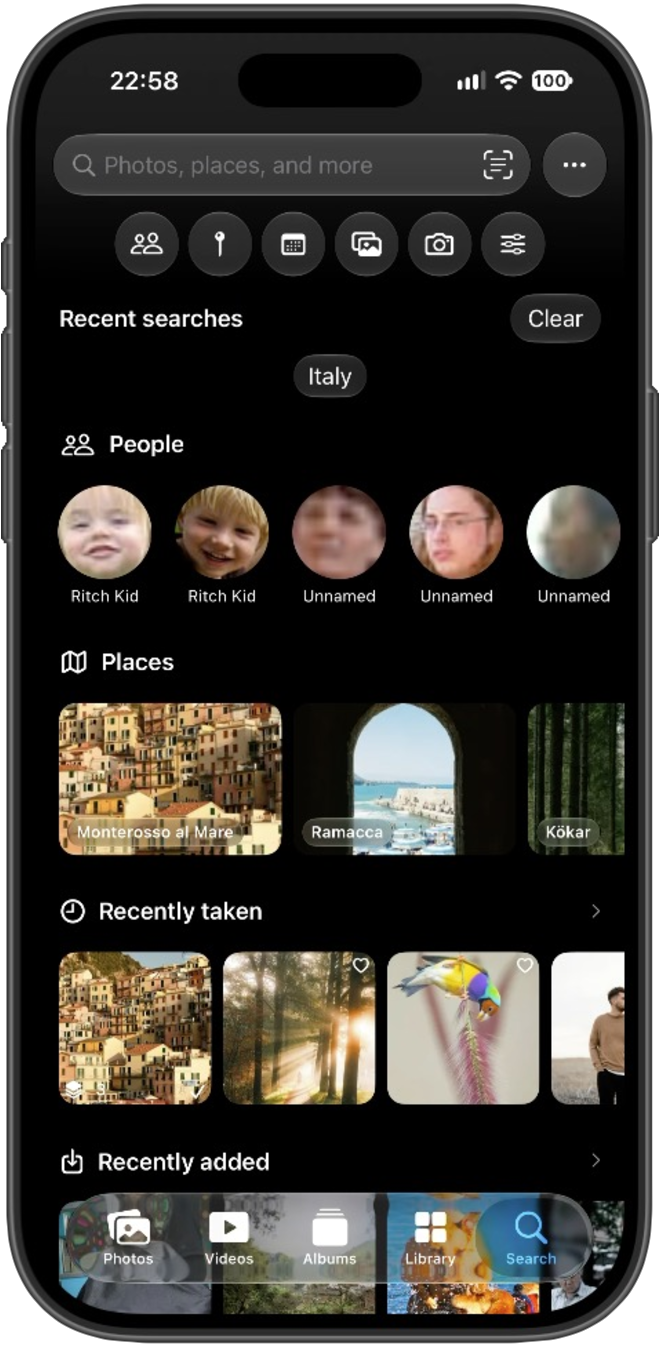
Describe a scene, find a filename, or search for text inside a photo. Narrow results with native filters.
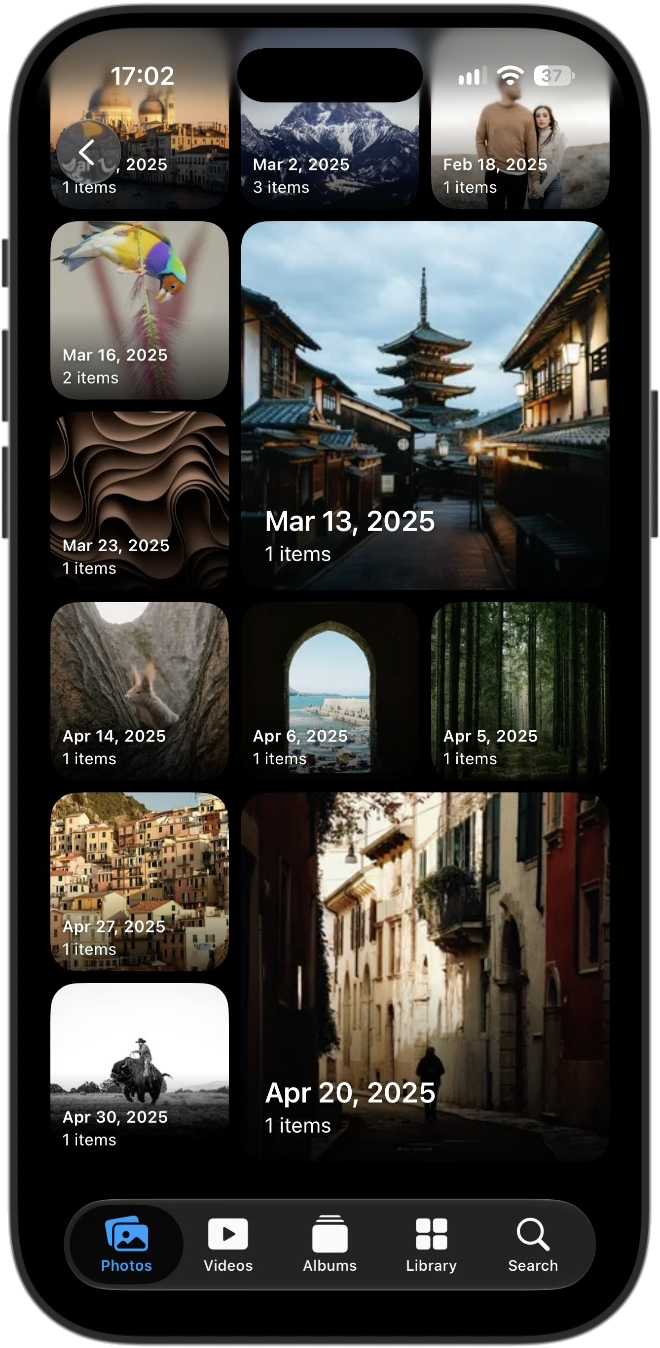
Scan groups of photos by date, with a cover and item count for every group.
Zoom in for detail, use the filmstrip to browse nearby photos, or share and save the one you’re viewing.
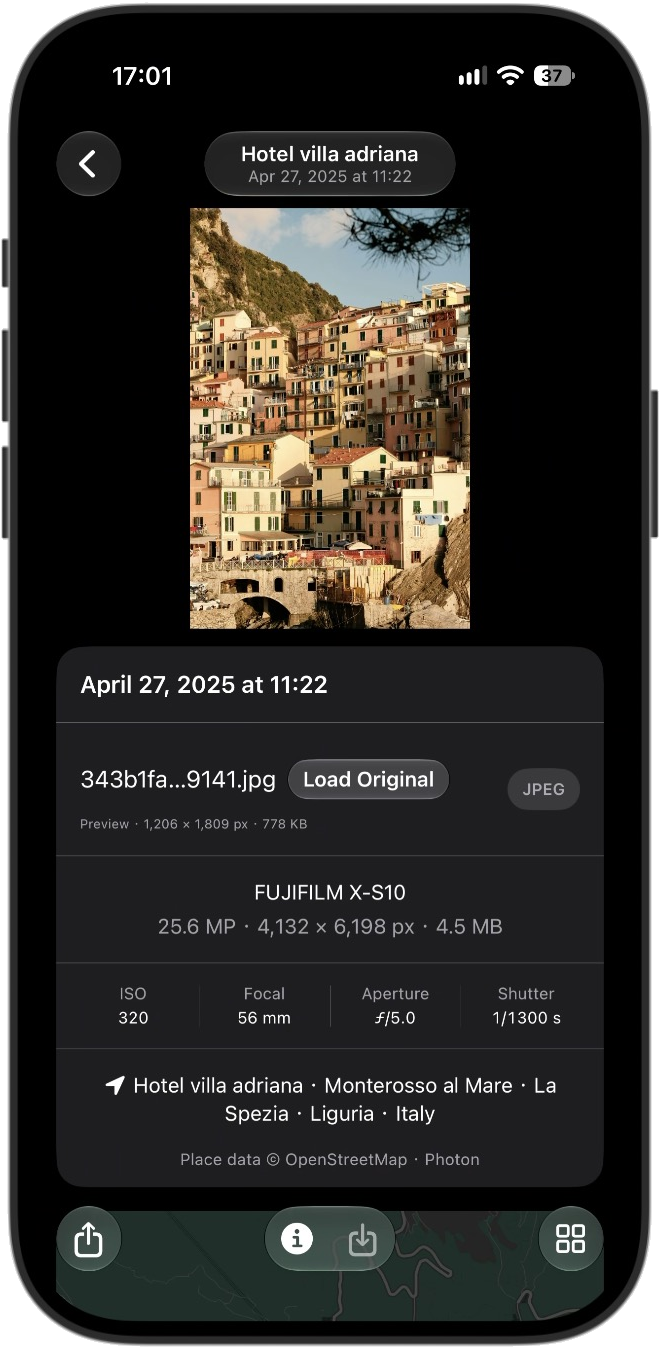
See when a photo was taken, which camera captured it, and details such as file size and dimensions.
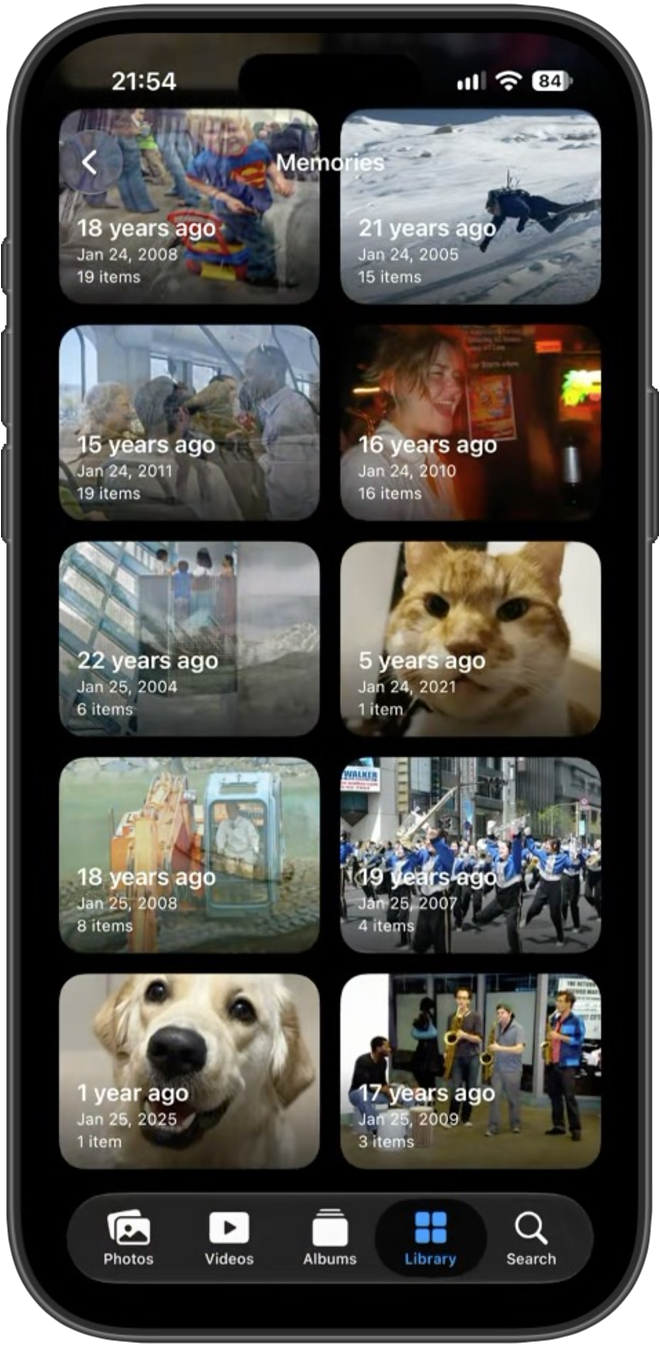
Rediscover photos taken on this day in previous years.
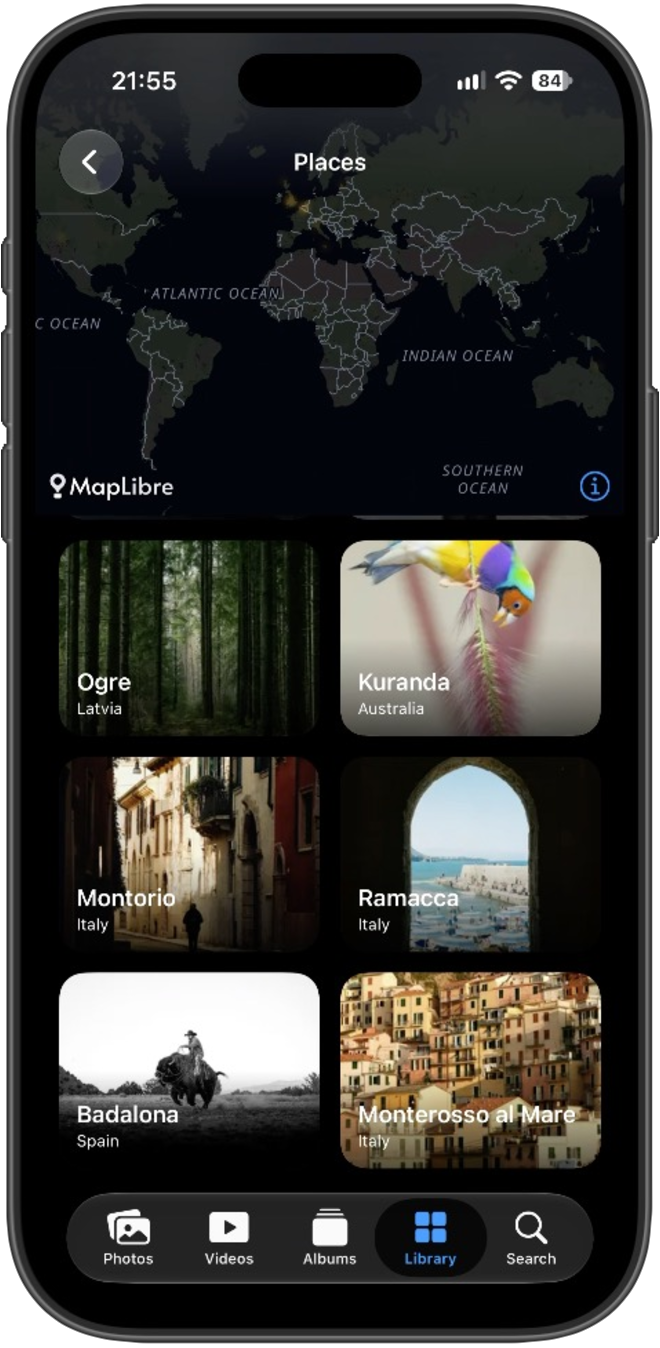
Explore your photos on a heatmap. Tap a place to open its timeline.
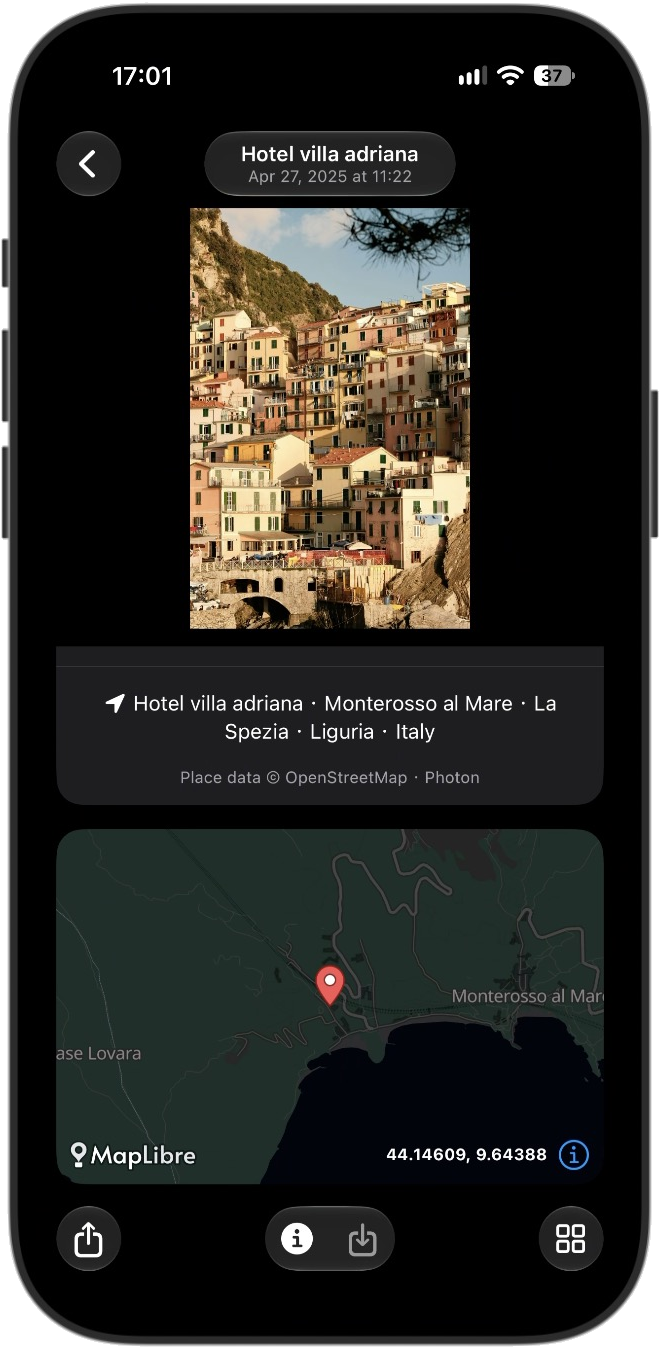
See exactly where a geotagged photo was taken on a map below its details.
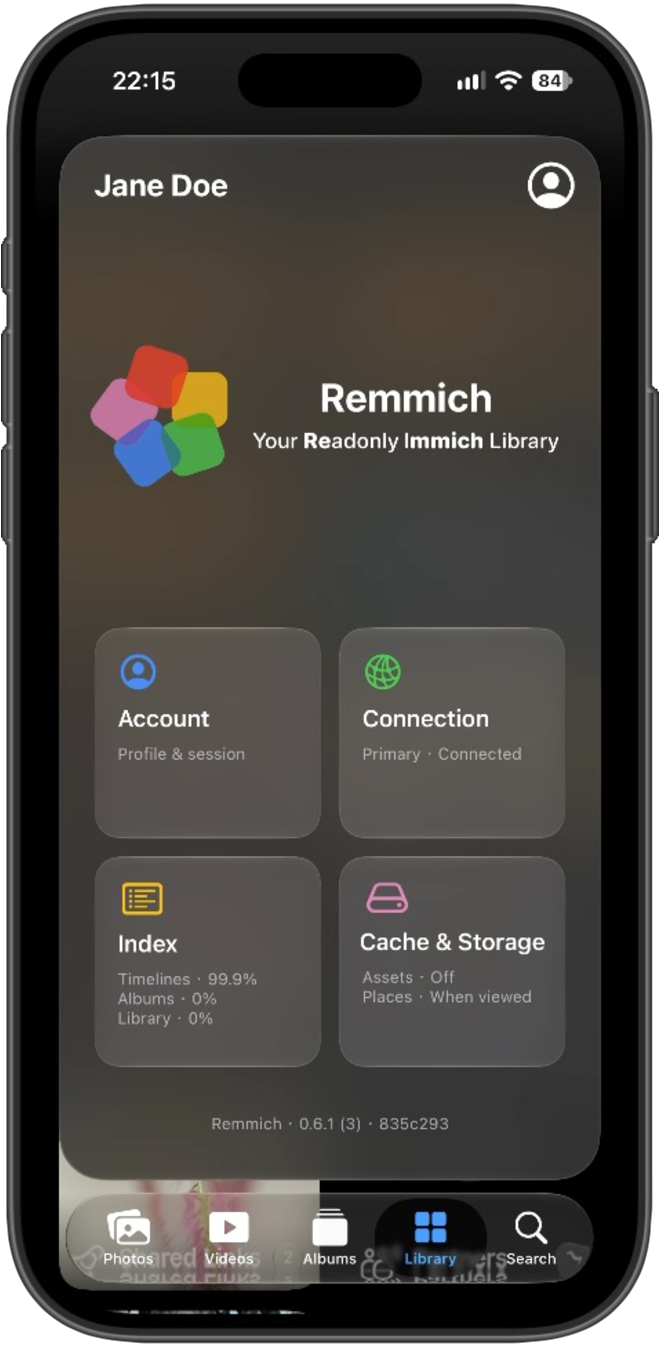
Switch accounts, manage server connections, and check your library indexes and offline storage.
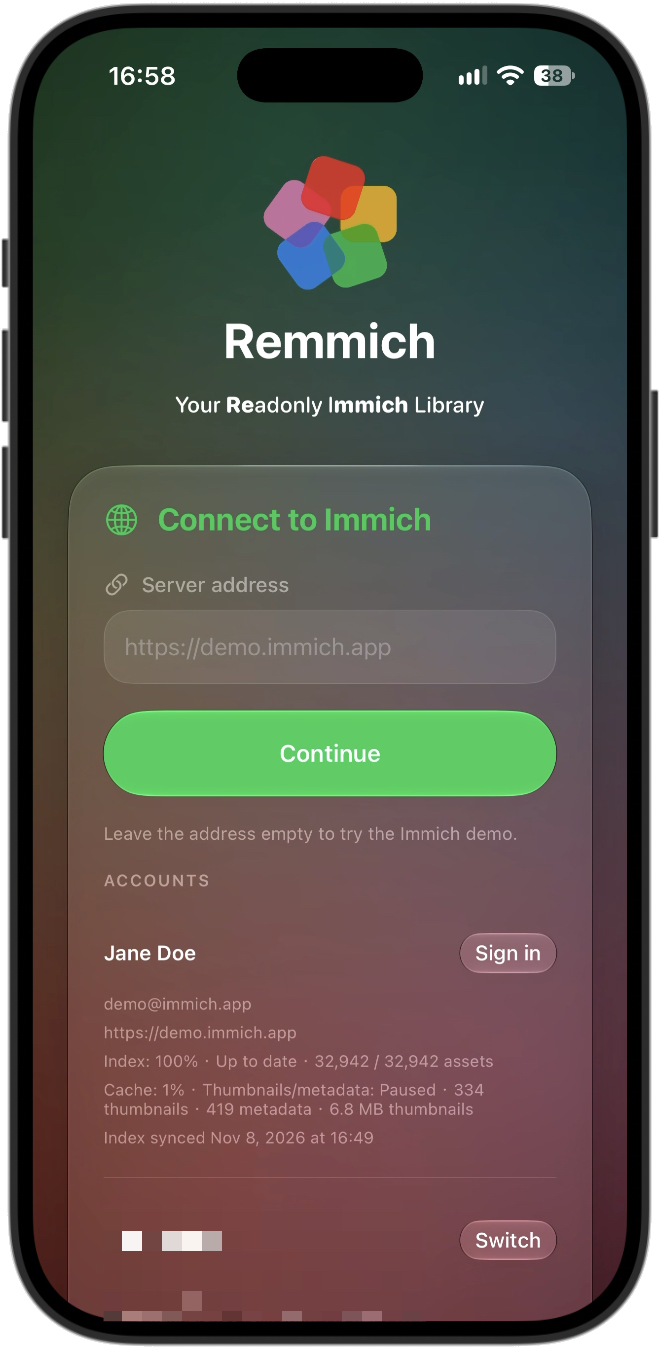
Connect to your Immich server or leave the address blank to explore the demo.

Connect to your Immich server after installing. To explore the demo, leave the server address empty at sign-in.